

Description
Create documentation that people can actually use.
Turn your site into a flexible Documentation Hub: Build a powerful Knowledge Base, Help Center, Wiki, or Documentation Site, directly in WordPress.
Turn WordPress into a clear, organized home for your documentation, guides, manuals, FAQs, tutorials, and knowledge-base articles.
Documentation gives you a dedicated area for managing documents — separate from your regular posts and pages. Organize information into logical sections, connect related content, and make it easy for visitors to find what they need.
Use it to build:
- A product or user manual
- A customer help center
- A searchable knowledge base
- A company or team wiki
- Developer documentation
- A tutorial and how-to library
- A documentation portal for a WordPress multisite network
- Product documentation connected to WooCommerce
Organize content with confidence
Create a documentation structure that grows with your site:
- Arrange documents in parent-and-child hierarchies.
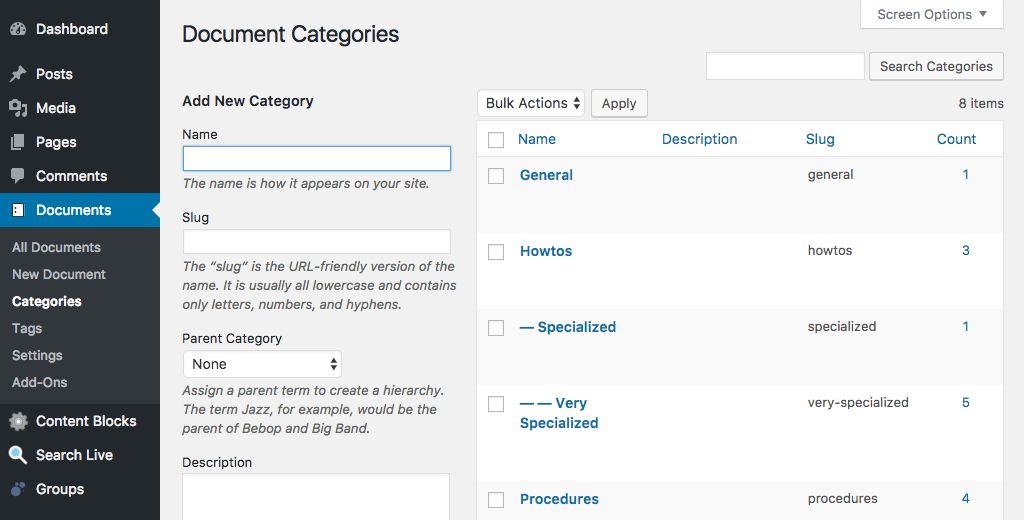
- Organize documents with dedicated categories and tags.
- Keep documentation separate from blog posts and standard pages.
- Display document links using flexible widgets and shortcodes.
- Add navigation that helps visitors move through related content.
- Create documentation sections for different products, audiences, or topics.
- Manage anything from a small FAQ to thousands of documentation pages.
Flexible navigation and display tools
Documentation includes tools that help visitors browse your content naturally.
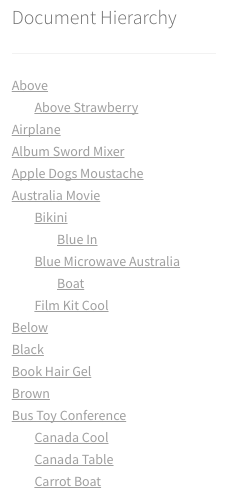
- Document Hierarchy — display and navigate your documentation tree.
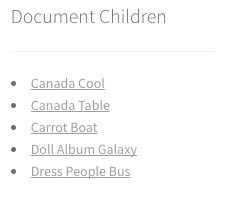
- Document Children — show the child pages belonging to a document.
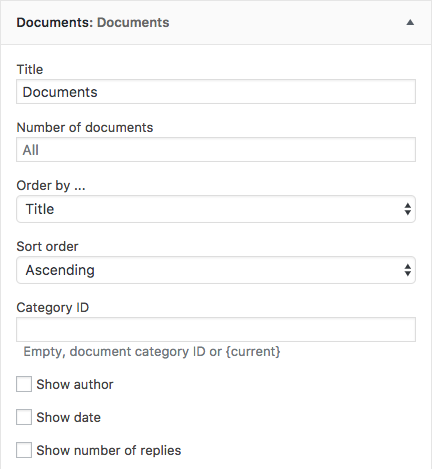
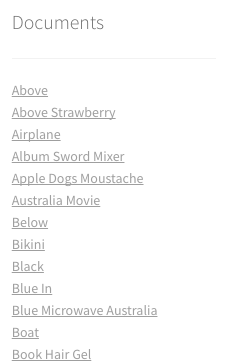
- Documents — display selected groups or lists of documents.
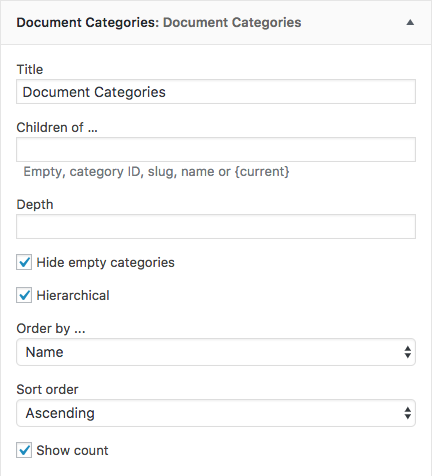
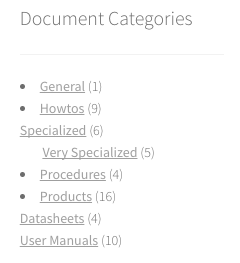
- Document Categories — provide links to documentation categories.
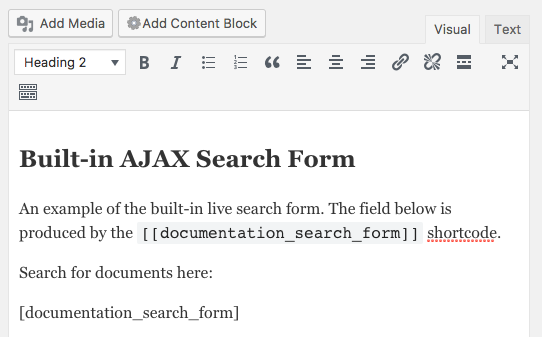
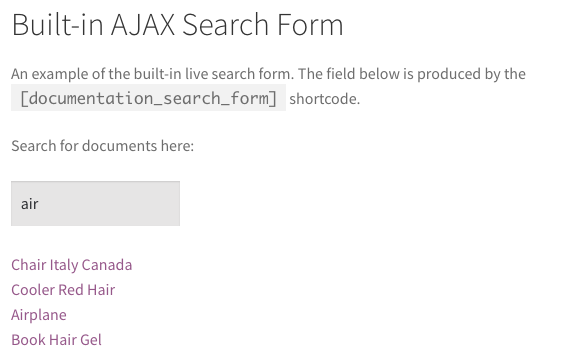
- Documentation search form — add a search form to help visitors find relevant content.
The functionality is available through shortcodes which can also be used in blocks.
Works with your WordPress site free from external providers or services
Documentation is built on WordPress, so it fits naturally into an existing site while keeping your documentation content clearly separated and organized. It does not rely on any external providers or services.
Use it on:
- A standalone documentation website
- Your existing company or product website
- A documentation subsite in a multisite network
- A customer support portal
- A WooCommerce store
With the optional WooCommerce Documentation premium extension, you can connect documents to products and automatically link relevant documentation on product pages.
Extend your documentation when needed
The plugin can be combined with other tools to add capabilities such as:
- Live and advanced document search
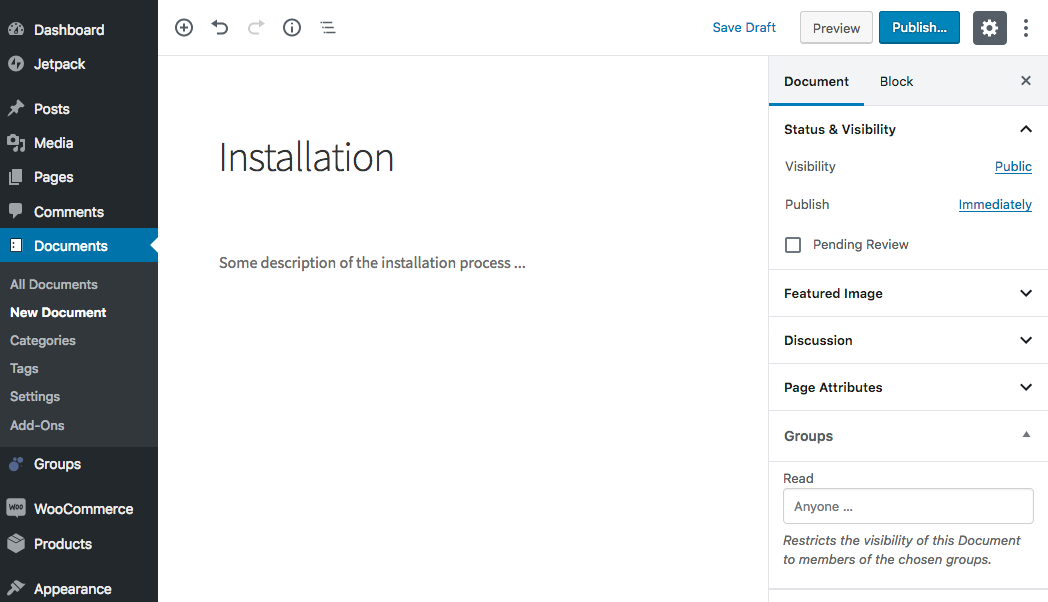
- Access control for private documentation
- Content restrictions, including restrictions based on categories and tags
- Context-sensitive widgets and blocks
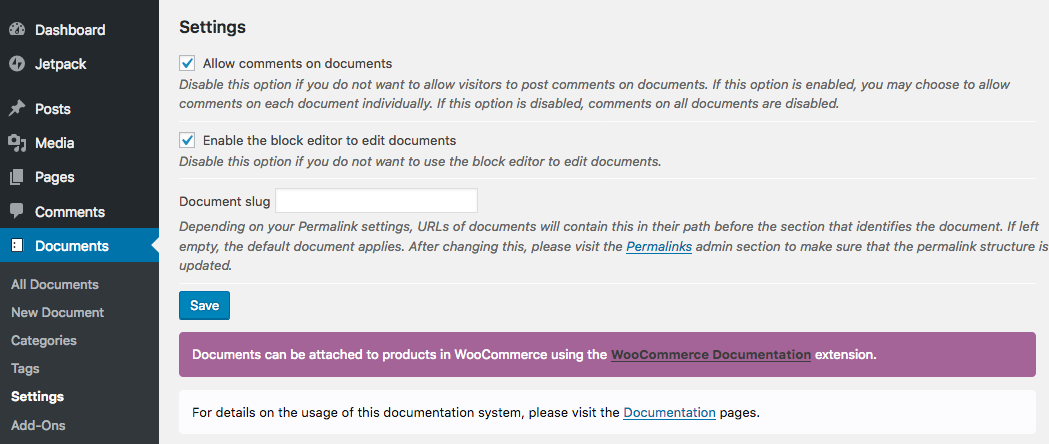
- Comments on documentation pages
- Social sharing and metadata
Start with the core documentation structure and add only the features your project needs.
See it in action
The developer’s own documentation portal is built with Documentation and demonstrates how it can be used to organize a substantial documentation site with multiple sections and pages.
Technically spoken …
လမ်းညွှန်ချက်စာတမ်း provides sound structures and tools to maintain a Documentation Management System based on WordPress.
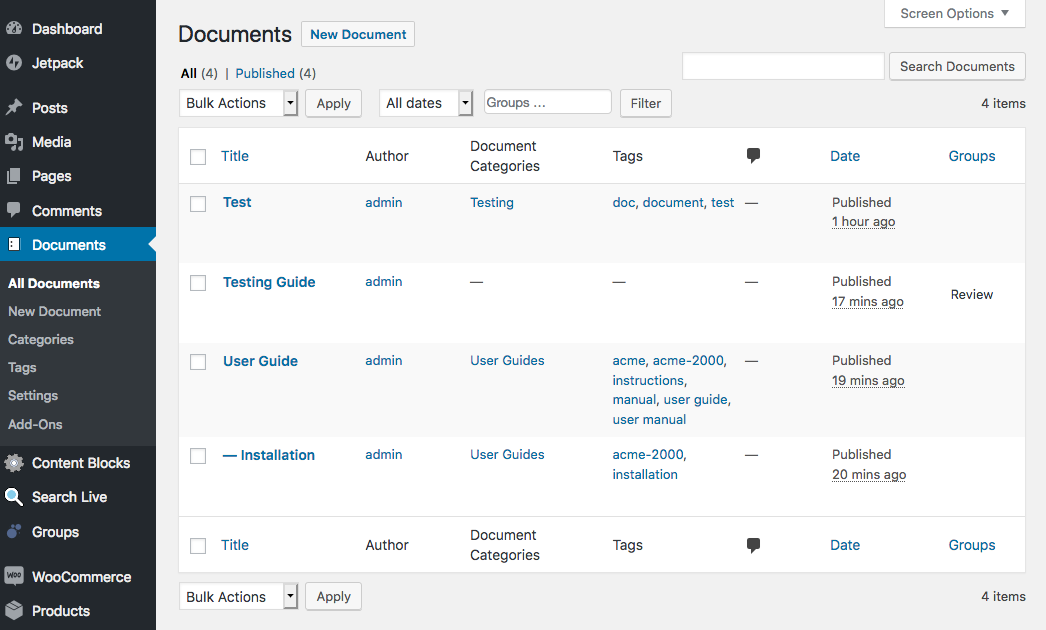
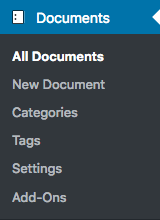
Leveraging WordPress’ framework and internal structures, the system provides a completely new section to manage documents independently from normal posts or pages.
Documents are complemented by their dedicated document categories and document tags, which allows to keep the documentation structures separate from the more blog-oriented posts or CMS-like pages.
Simple to use, yet powerful. Leveraging WordPress to maintain even thousands of knowledge base articles and documentation pages.
Blocks and Shortcodes
The following shortcodes are available which can be used in content and blocks:
- [documentation_documents] Lists documents, also useful to list documents in a category.
- [documentation_categories] Renders a list of links to the document categories.
- [documentation_hierarchy] Provides a means to navigate the documentation structure, equivalent to the Document Hierarchy widget.
- [documentation_list_children] Lists the children of a document like the Document Children widget.
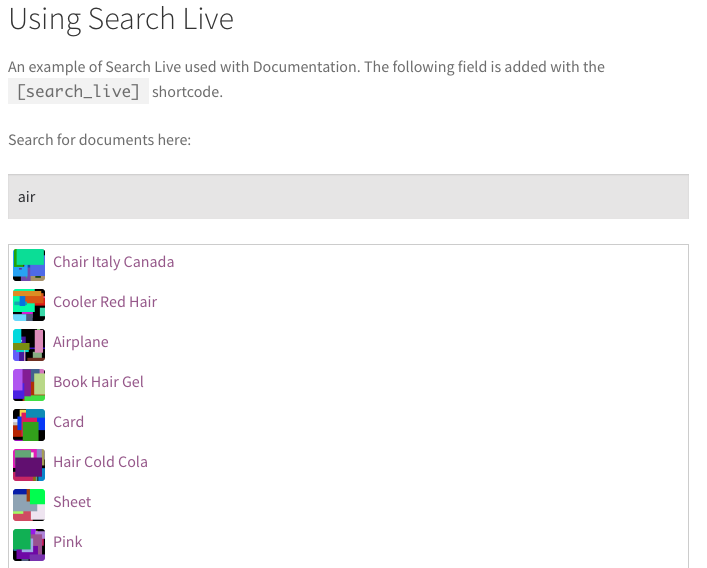
- [documentation_search_form] Renders a dynamic search form. Use Search Live for a more flexible search form.
If you would like to sponsor the development or contribute code to include specific blocks, get in touch here or use GitHub.
Classic Widgets
The plugin provides several classic widgets that are used to display document links:
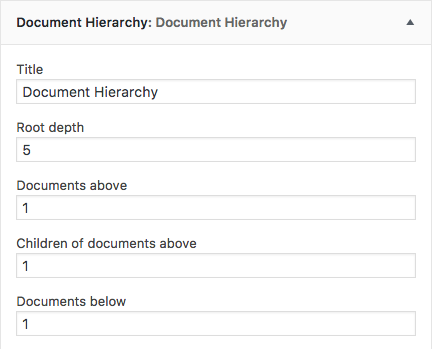
- Document Hierarchy : facilitates navigating and viewing the document hierarchy
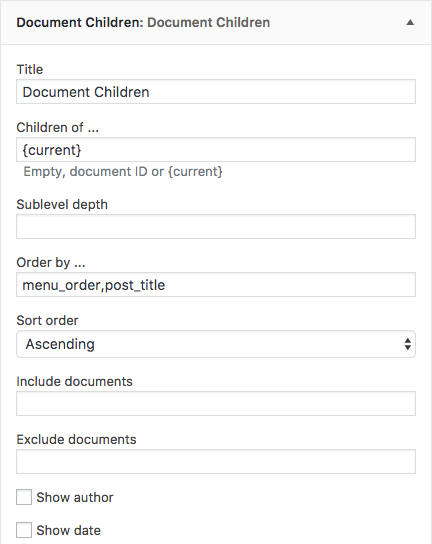
- Document Children : displays links to children of documents
- Documents : to display sets of document links
- Document Categories : to display links to document categories
Recommended Useful Additions
You should have a look at these tools. They will help you get the most out of this Documentation Management System.
- WooCommerce Documentation This extension for WooCommerce and the Documentation plugin for WordPress allows to link documentation pages to products and display them automatically on the product pages.
- Groups Groups is designed as an efficient, powerful and flexible solution for group-oriented memberships and content access control. Use it to control who can view documents and more.
- Groups Restrict Categories An extension based on Groups, provides access restrictions for categories and tags, custom post types and taxonomies. Very useful to restrict whole sets of documents based on their document categories or tags.
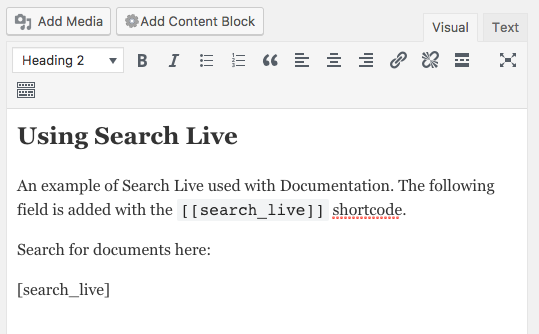
- Search Live Search Live supplies effective integrated live search facilities and advanced search features. Makes it really easy to find the desired documents.
- Widgets Control Widgets Control is a toolbox that features visibility management for all widgets, sidebars, sections of content and content blocks. This is very useful to show content and widgets in context.
- Widgets Control Pro Widgets Control Pro is the advanced version of the Widgets Control toolbox that features visibility management for all widgets, sidebars, sections of content and content blocks. With its additional features, it is even more useful to show document-specific content and widgets, including the options to show widgets on documents and related pages only.
- Decent Comments Decent Comments shows what people say. If you want to show comments along with their author’s avatars and an excerpt of their comment, then this is the right plugin for you. Use it to show comments posted on documents only or including them.
- Open Graph Protocol Framework The Open Graph protocol enables any web page to become a rich object in a social graph. For instance, this is used on Facebook to allow any web page to have the same functionality as any other object on Facebook. This will automate the process of adding basic and optional metadata to documents.
လမ်းညွှန်ချက်စာတမ်း
Please refer to the documentation pages for details.
The site uses the လမ်းညွှန်ချက်စာတမ်း plugin and is a good example of deployment, with an extensive set of documentation sections and pages.
ဝေဖန်အကြံပြု ပြန်ကြားချက်
Feedback is welcome!
If you need help, have problems, want to leave feedback or want to provide constructive criticism, please do so here at the Documentation plugin page.
Please try to solve problems there before you rate this plugin or say it doesn’t work. There goes a lot of work into providing you with free quality plugins! Please appreciate that and help with your feedback. Thanks!
Stay informed
Follow @itthinx on GitHub, X – Twitter, Reddit, Mastodon, Rumble, YouTube for news related to this and other tools.
Screenshots
![[documentation_hierarchy] shortcode example output](https://ps.w.org/documentation/assets/screenshot-11.png?rev=2071504)
Installation
- Upload or extract the
documentationfolder to your site’s/wp-content/plugins/directory. You can also use the Add new option found in the Plugins menu in WordPress. - Enable the plugin from the Plugins menu in WordPress.
FAQ
-
Where is the documentation?
-
The documentation pages are here and we obviously use our လမ်းညွှန်ချက်စာတမ်း plugin to maintain them.
Reviews


Contributors & Developers
“လမ်းညွှန်ချက်စာတမ်း – Build a Knowledge Base, Help Center or Wiki” is open source software. The following people have contributed to this plugin.
Contributors
Translate “လမ်းညွှန်ချက်စာတမ်း – Build a Knowledge Base, Help Center or Wiki” into your language.
Interested in development?
Browse the code, check out the SVN repository, or subscribe to the development log by RSS.
Changelog
For the full changelog see changelog.txt.